
TravelbookJournal & Planner Photo
A private, offline-first trip journal. Plan, remember, and map every trip — no account, no cloud unless you want it.




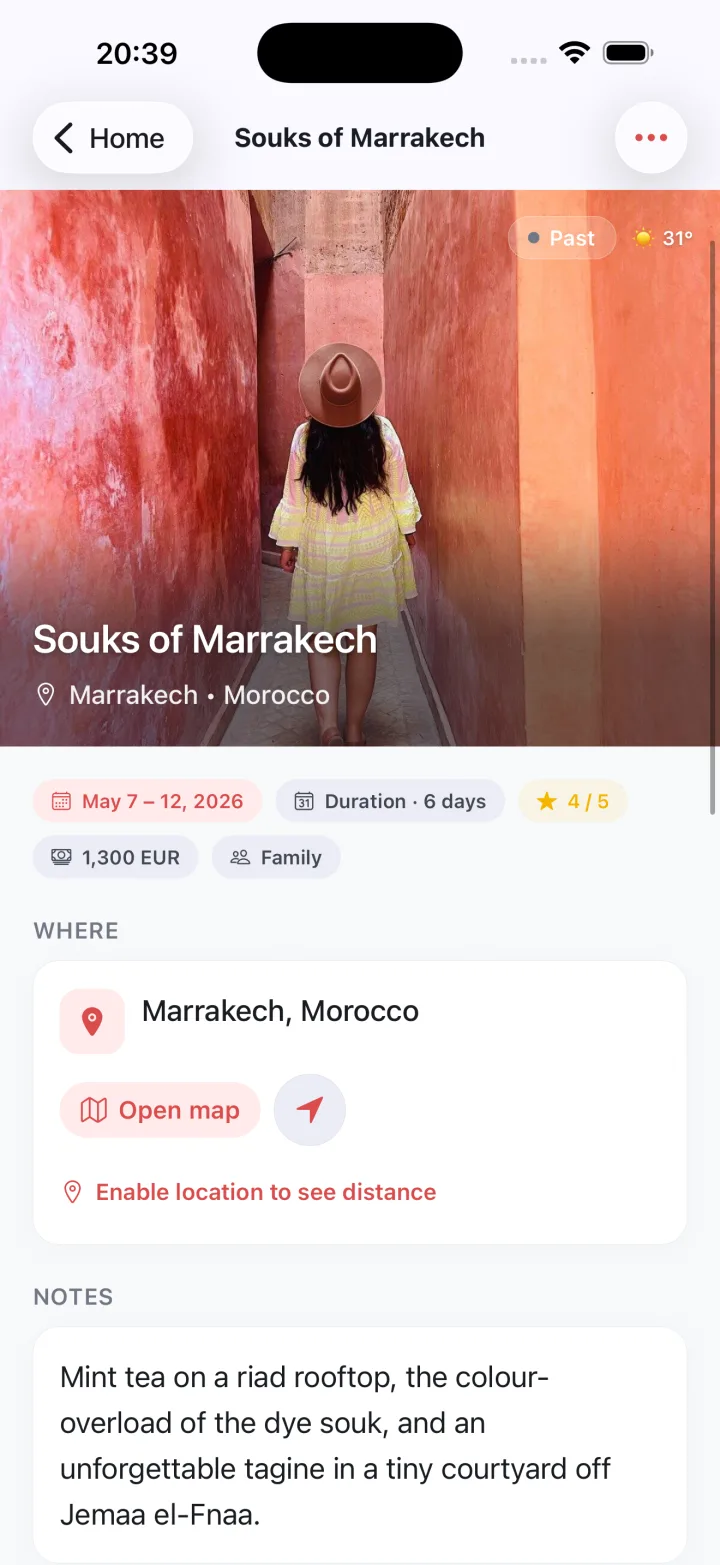
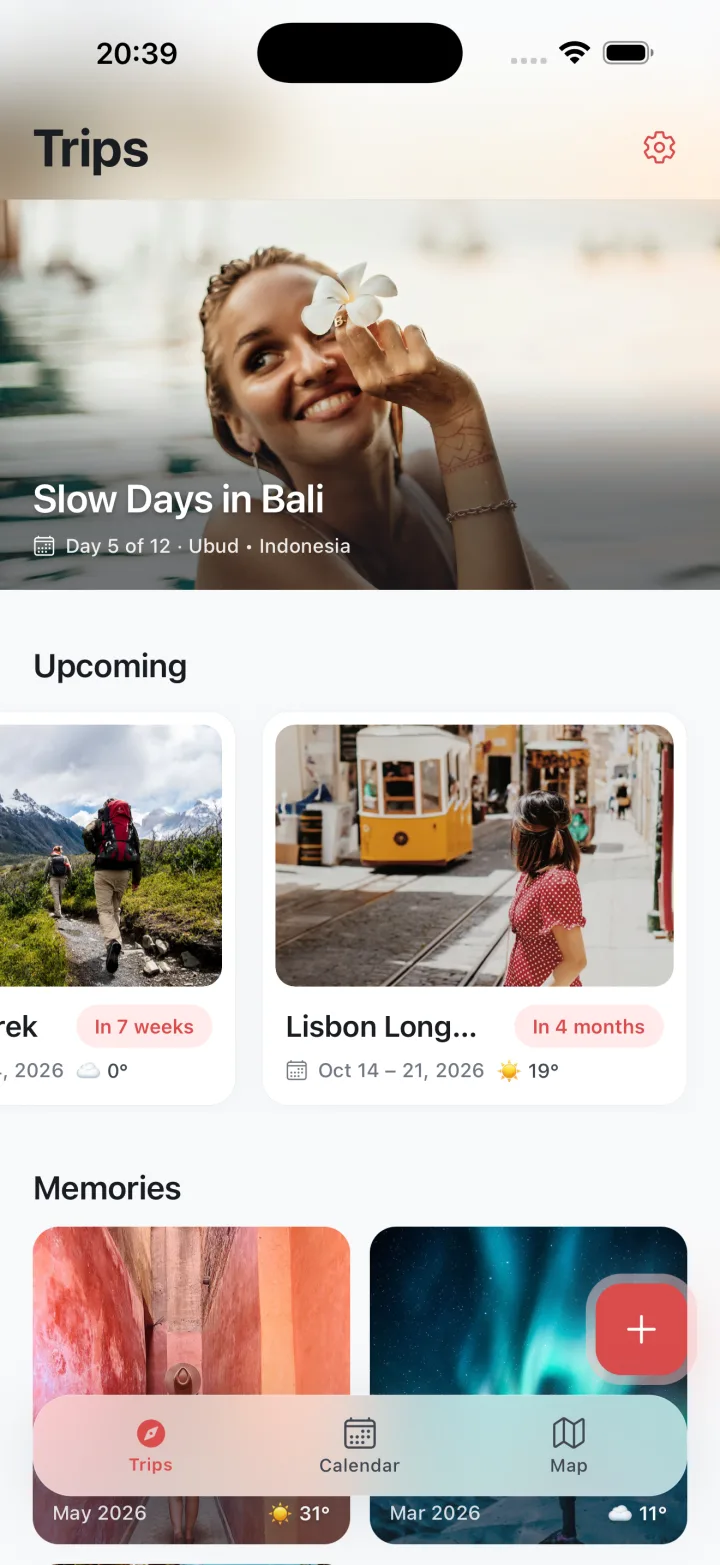

A clean list with ongoing, upcoming, and past memories
- A calendar showing every trip at a glance, with easy planning for empty days
Plan my tripEverything stays local on your device by default
- Optional iCloud backup in your own Travelbook folder—no third-party servers
How it works
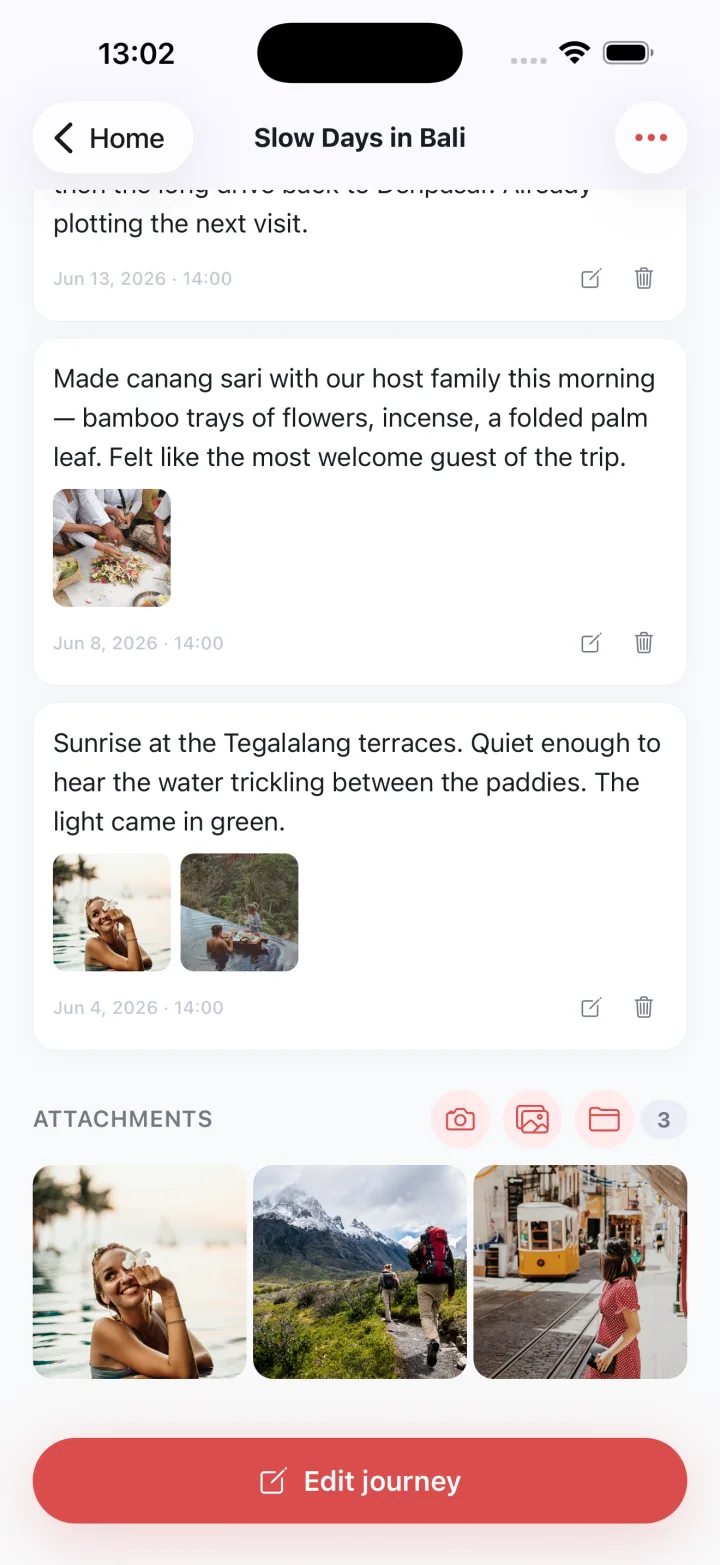
Plan trips and days
Add memories and plan empty days using the calendar and list view.
Store data locally
Keep your journal and photos on your device by default, with an optional iCloud backup in your Travelbook folder.
Get an organized journal
See ongoing, upcoming, and past memories in a calendar-backed list stored locally with optional iCloud backup.
Questions
How can I plan trips and find empty days in Travelbook?
Travelbook shows a clean list with ongoing, upcoming, and past memories alongside a calendar that displays every trip at a glance. The calendar includes an easy planning mode for empty days so trips and empty slots are visible together, and the list organizes memories by their current status within the app.
Will my journal entries stay only on my device with Travelbook?
Travelbook keeps all entries, photos, and plans local on your device by default, storing journals and maps in device storage so content remains on the device. The app is designed for offline use and offers optional cloud backup to a Travelbook folder when a cloud option is chosen, without using external servers.
Can I back up Travelbook to iCloud without using external servers?
Travelbook offers an optional iCloud backup that stores copies in a dedicated Travelbook folder within your iCloud account. This backup option keeps backup files in that folder and does not send data to external servers, letting the app keep data local unless the iCloud backup option is enabled from within the app.
How does Travelbook organize ongoing, upcoming, and past memories?
Travelbook presents a clean list of memories sorted into ongoing, upcoming, and past entries, making it easy to see where each memory fits. The app also shows a calendar view that displays every trip at a glance and includes tools for planning empty days, keeping the list and calendar in sync so memories and plans share the same interface.
Guides
- Best Travel Journal Apps: 6 Compared
- Best way to log a road trip
- How do I map places I visited?
- How to add maps to a travel diary
- How to back up travel photos while traveling
- How to create a digital travel scrapbook
- How to geotag travel photos
- How to journal a solo vacation
- How to keep a daily travel diary
- How to keep a travel blog while abroad
- How to keep a travel log by date
- How to make a digital scrapbook of a trip
- How to make a travel scrapbook with photos
- How to make a vacation photo book
- How to organise trip photos by date
- How to plan a multi-day trip itinerary
- How to plan a vacation day itinerary
- How to print a travel diary as a book
- How to record trip expenses daily
- How to share a trip blog with family
- How to track countries visited on a map
- How to write a travel diary entry
- Travel diary app
- Travel log: how to record a trip
- Vacation photo backup
- What to write in a daily travel log

Get a private trip journal
Private, offline-first trip journal to plan, remember, and map every trip. Keep everything local by default with optional iCloud backup; no account, no tracking.